
Is Woodpecker the appropriate email outreach tool for you?
This Woodpecker review will help you figure out whether Woodpecker meets your email needs.
What Is Woodpecker Email?
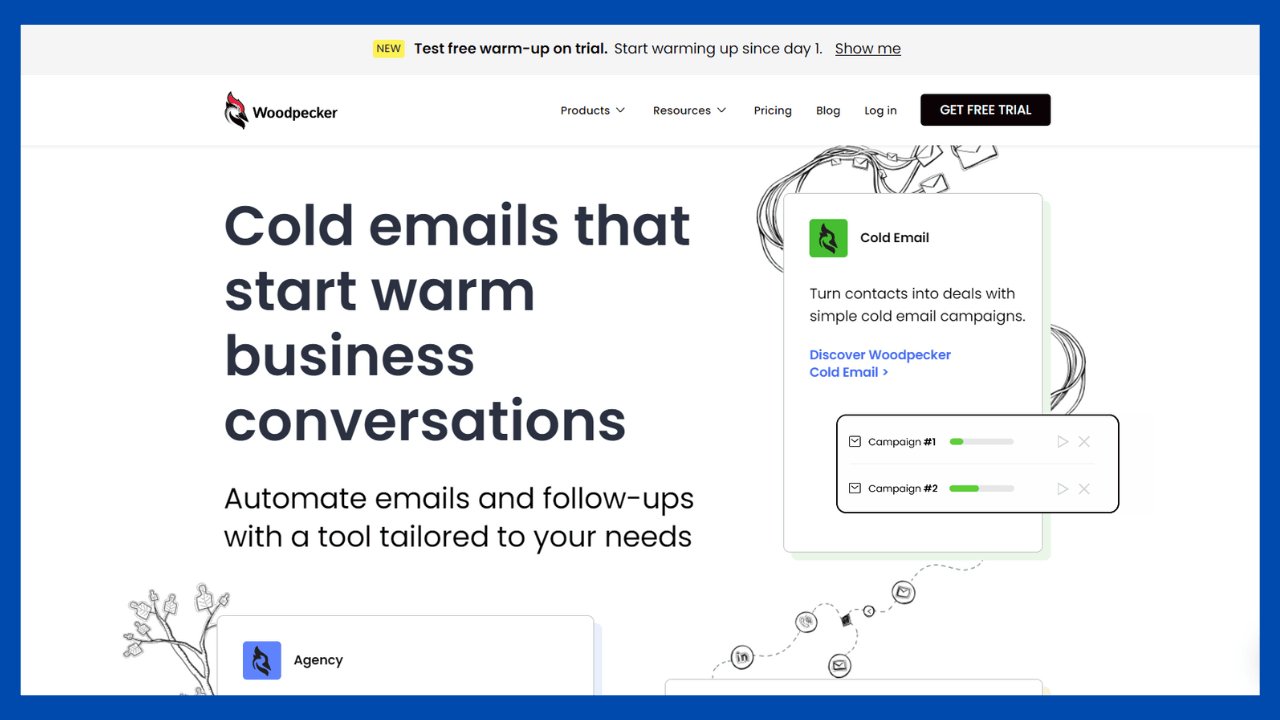
Woodpecker.co is an email marketing automation tool that allows the sending of emails and follow-ups from Gmail and Outlook. It is primarily employed by B2B organizations to quickly customize, automate, and track their outbound sales campaigns.

The Key Features of Woodpecker:
Here is a closer look at some of Woodpecker’s key important features:
Powerful Email Tracking
Woodpecker tracks the various email metrics of your marketing and sales emails automatically. It measures various statistics, including:
- Open Rate – the proportion of recipients who opened your email.
- Click-through Rate – the proportion of email recipients who clicked at least one link.
- Sent – the total number of emails sent.
- Delivered – the number of email addresses that have received your email.
Additionally, you can manually label your campaign responses as interested, maybe later, or uninterested. Woodpecker then analyzes this data to determine the number of positive reactions to a particular campaign.
This enables you to determine which email templates, subject lines, and links get the best results. You may then adjust your future marketing messaging accordingly to increase conversions!

Cold Email Personalization
Woodpecker allows you to add custom fields and snippets to mass cold emails in order to personalize them. This allows you to alter each email individually, making each email unique and customized for each recipient.
Woodpecker automatically includes recipient information such as:
- Their first name.
- Their business’s name.
- Your favorite portion of a prospect’s website or blog.
- The reason you choose to contact them, as well as any further information.
Woodpecker allows you to import your contact information as CSV files for greater flexibility & quick personalization.
Efficient Follow-ups with Email Automation
Woodpecker allows you to send automated, effective follow-ups for cold email campaigns. As these follow-up emails are part of the same email thread, your clients will always be aware of the context, even if they did not react to your initial email.
Whenever the tool identifies an auto-reply from the receiver, it ceases delivering these follow-ups. The option to manually resume the sequence is then presented.
Simple Campaign Scheduling
You can schedule all of your emails and follow-ups in advance using Woodpecker. This allows you to schedule and send your emails at the appropriate time.
It allows you to plan emails for a specific date and time inside a defined time zone. You won’t need to be online when they are sent since the program will send them automatically at the designated time.

How Woodpecker sends emails
How to Create Your First Campaign in Woodpecker (Quickstart Guide)
Three Drawbacks of Woodpecker Email
Woodpecker is a fantastic email marketing tool, however, it is not flawless.
Here are a few of its disadvantages:
You Can’t Send Email Attachments
Woodpecker doesn’t let you add email attachments to your mass emails.
This can be a significant concern when sending emails including documents like as presentations, white papers, or bids. As you cannot add attachments to your emails, you’re limiting the level of engagement you have with your prospects.
In addition, email trackers that support attachments provide a wealth of useful information regarding your interactions with customers, such as:
- The hours they spend on your documents.
- The sections of the document in which they have the greatest interest.
- If people are forwarding your attachments or downloading them.
If you use Woodpecker, none of this will be measurable.
Woodpecker Works As a Separate Inbox
Another issue with Woodpecker is that it is not connected with Gmail or Outlook. Instead, it acts as an entirely distinct inbox.
To manage your emails, you will have to switch between the tabs and inboxes if you use it.
Woodpecker pricing It’s Expensive
The Woodpecker software has three pricing plans:
- Start-up: $40/user per month.
- Team Pro: $50/user per month.
- Enterprise: custom pricing.
The Start-up plan includes email automation, analytics, and teamwork capabilities. The Team Pro plan also provides integration options, whereas the Enterprise plan enables customized solutions.
Even though their plans include a 30-day free trial (no credit card required), it’s still considerably more expensive than most other email marketing platforms. Even their most basic Start-up plan costs $40/user per month!
This might be a significant issue for businesses with numerous email marketers, as each must pay $40/month!
Woodpecker Pros & Cons
Pros
- User-friendly interface is straightforward to use and comprehend.
- Integration of contact lists is quick and convenient.
- A/B testing is entirely automated and provides insightful data
- Daily/weekly/monthly metric reporting
- Customer service is available at all times.
- Manual tasks may be added in the campaign for acts other than email.
- Effective security measures
- If-campaigns enable the redirection of prospects to a different stream.
-
Unlimited team members or multiple team members per slot are permitted.
Cons
- Can be costly for small businesses if many slots and add-on are required
- Limit of 7 follow-ups
- It’s Expensive
Woodpecker FAQs
Woodpecker is conclusive.
Woodpecker.co is an email marketing automation platform that enables the sending of emails and follow-ups from Gmail and Outlook. You may track email delivery success rate, open email rate, click-through rate. Schedule your email delivery automatically and more.
Is it suitable for you? Register for a free Woodpecker trial here.
If you have any questions regarding my Woodpecker review or want to offer your thoughts on the platform, please let me know in the comments below.