
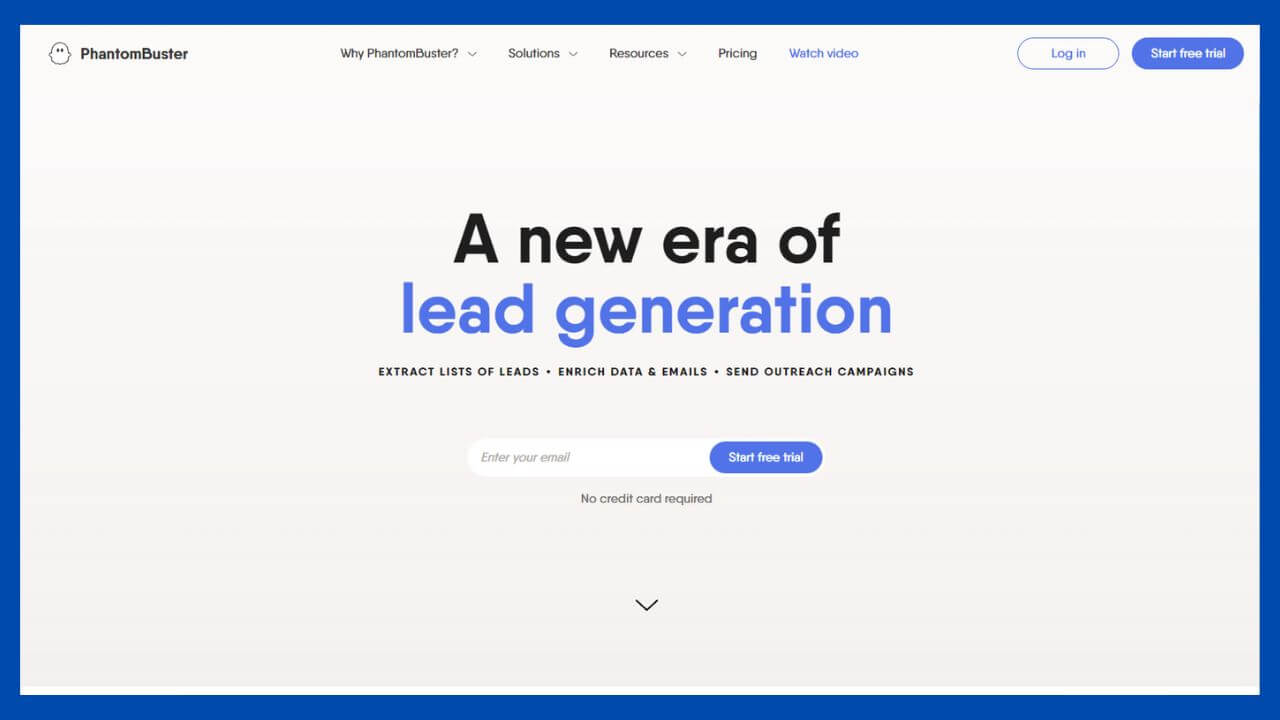
When it comes to data scraping, it can quickly become a time-consuming and tedious process. This is why the services that Phantombuster provides are so valuable, as they automate the data extraction for you in a fraction of the time.
Furthermore, once the data has been extracted, Phantombuster can help you set up automations to take action on the data like marketing emails, organizing contact information, and more.
In this article, I’m going to review what Phantombuster provides and how it can help increase your workflow efficiency.
What is Phantombuster?

If you require data extraction or automation for social media and business, Phantombuster is built for the task. This company has a core focus on automating data extraction, in addition to providing automations for various functions in regards to the data provided.
You can easily automate any action you take on the web, and Phantombuster will execute these actions on your behalf.
A key reason people tend to use services like this is to save time in their workflow. This allows them to focus on more critical tasks, while Phantombuster handles all of the time-consuming, mundane operations.
A great benefit from this is the fact these actions can be automated 24/7.
When you visit their website, they refer to their different automation tools as ‘Phantoms.’ This section contains twenty different categories such as LinkedIn, Twitter, and Facebook, including seventeen other supported platforms.
Below are some of the other categories that include various automations.
Some of the Featured Phantoms and Workflows
- YouTube
- TikTok
- Quora
- And more!
Automations Tailored to Each Platform
Whether it’s a website, social media platform, or data list, Phantombuster has custom-built automations for each category available.
This is something that makes the platform stand out amongst the rest, as many competitors will only focus on automations for a small handful of platforms; Phantombuster has more than enough to choose from.
You may need to extract comments from Instagram posts, collect pages of data from Google, or create a list of emails from LinkedIn profiles; Phantombuster has multiple ways of doing so.
As you continue reading, you’ll learn more details about some of Phantombuster’s best automations.

- Grow Your Network – Extract a list of LinkedIn users by a specific group or search criteria, auto-connect, and keep track of who accepts your request.
- Profile Scraper – Including emails, you can easily scrape all public data from LinkedIn profiles.
- Contacts Extractor – Easily export your LinkedIn connections’ profiles.
- Inbox Scraper – You can extract a list of users and the message threads you share efficiently.
- Auto Endorse – There’s also an auto-endorse option for your connections’ skills on their LinkedIn profile

- Ads Library Scraper – Quickly extract the ads published by a particular Facebook page.
- Page Reviews Collector – This allows you to collect a data list of reviews from Facebook pages.
- Profile URL Finder – You can find Facebook pages or profiles by using a data list of company names or names of individuals.

- Multi Hashtag Search – Extract a specific number of posts using single or multiple hashtags.
- Post Data Extractor – Compile a data list using a list of specified Instagram posts.
- Auto-Commenter – Use Phantombuster to automate actions such as commenting, following, and liking Instagram posts.
It’s clear that Phantombuster is more than equipped to assist with your automation and data scraping needs, and there are more features than I could list here.
They have enough categories, available workflow combinations, and features to handle nearly anything you could throw at it.
Whether you’re running small-scale or large data scraping automations, the website has multiple pricing plans available.
Phantombuster pricing

First and foremost, Phantombuster does offer a free trial of fourteen days that allows you to test out their services.
In addition, they also have a free account option that’s indefinite, but it does come with quite a few limitations. From there, pricing ranges from $48 to $320 per month based on your needs.
You’re only allowed to use one of their automations with only ten minutes of use per day with the free account. If you need a more extensive operation, they offer four different pricing tiers that come with their own set of limitations.
Once again, Phantombuster proves that they have a focus on ease-of-access by providing multiple pricing tiers.
Many competitors generally offer only one or two payment options and can be pretty expensive without providing a decent variety of automations.
Additionally, they provide an option to be billed monthly, or you can save eight percent on your subscription if you choose to be billed annually.
Whether you’re an individual or a massive company, Phantombuster has what you’re looking for.
Build Efficient Workflows
To get the most out of Phantombuster, you can combine certain automations to work together for the desired outcome.
Using the service in this way will provide the most detailed information with the most accuracy for each action taken. Better yet, there are numerous combinations to suit different marketing or individual needs.
Each ‘Phantom’ is built to be combined with other Phantoms, allowing you to customize your workflow.
You can also combine Phantoms from specific categories for unique automation and data extraction.
Another point to always remember is that if your workflow isn’t as efficient as possible, you could be wasting more money and time than you realize. It’s always best to ensure your automation workflow is at its best day and night.
Please continue reading as I’ve put together a couple of combinations for specific data extraction and automation operations.

Phantombuster Pros & Cons
If you don’t have time to go over our full Phantombuster review, we recommend skimming through these Phantombuster pros and cons we put together.
What are some common pain points when using Phantombuster? What are the advantages of Phantombuster’s social media tools? Find out almost all you need to know here:
Phantombuster Pros
- Powerful growth hacking tools for social media
- No-code data extraction from the 20 most popular platforms on the web
- Features ready-made workflows for easier setup
- Follows the rules and regulations of platforms (avoids spam reports)
- Amazing tools for growing on LinkedIn (45 LinkedIn Phantoms)
Phantombuster Cons
- No free account (only a 14-day free trial)
- There is a learning curve with setting up Phantoms
- Limited integration options
- No built-in data visualization tools
- Limited number of tutorial videos
Summary
Based on the different features from Phantombuster that we’ve covered, it’s easy to see that they have the tools needed for efficient data extraction.
In addition to what seems like an endless combination of automation tools for multiple websites, social media apps, and business integrations, Phantombuster has customer support on standby to handle any of your questions.
As stated previously, these tools can be a lifesaver for your daily workflow but make sure you choose a service like Phantombuster so you don’t have to worry about your accounts getting flagged or banned.