
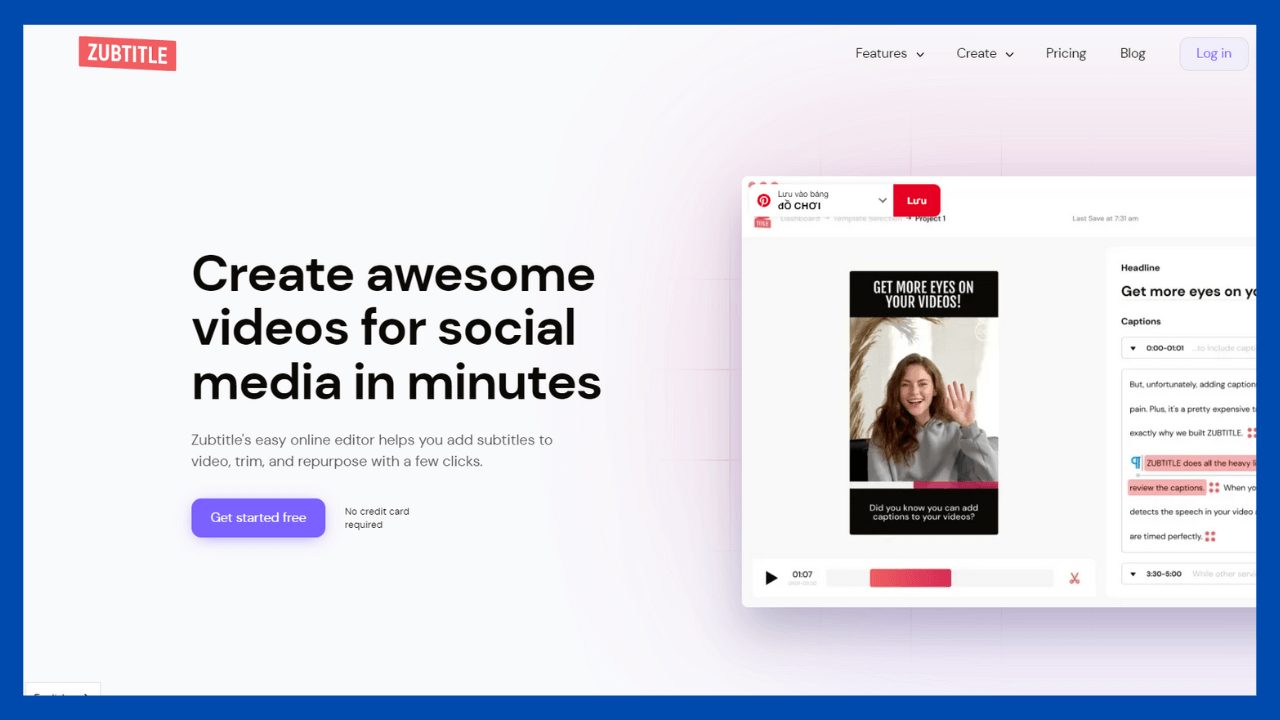
If you are looking for a simple, user-friendly, and feature-rich subtitle generator, then continue reading my Zubtitle review.
This review will cover pricing and features, as well as whether or not it’s worth buying for your social media videos.
What is Zubtitle?
Zubtitle is an online subtitle generator and video caption editor that allows you to quickly enhance your videos.
You can also change the fonts, colors, and screen location of your subtitles and add captions automatically.
It is really simple to use, even if you’ve never used a subtitle generator or editing software before! They provide videos on how to use their tool on their YouTube channel or in their training library.

Therefore, you no longer have to worry about difficult video editing tools.
What’s Included In Zubtitle’s Paid Plans
When you purchase the premium subscription, you receive updates for life. You also receive all the features discussed in this review, including the ability to add progress bars and customize your subtitles!
Here are the specific features included with a premium subscription.
- Automatic video captions
- Simple video editing software
- Caption styling & positioning
- Advanced speech to text feature
- 200+ preloaded fonts
- 60+ supported languages
- Premium support
- Remove subtitle watermark
Key Features
My favorite feature that Zubtitle offers is the addition of a progress bar. I didn’t realize this until just recently, but our attention span is shortening, and many viewers will leave a movie before the introduction is even complete! Adding a progress bar also will enable you to give your video a conclusion.
What are the key features?
- Add headlines
- Add captions
- Add progress bars
- Resize your videos for social media
- Trim your videos
- Add your logo
Add Headlines
Add headlines to your videos to market your services or products.
You can add headlines to subtitled videos with Zubtitle. Before adding subtitles to your video, you can enter a headline in the subtitle text box.
Overall, I believe that Zubtitle provides all the capabilities necessary to produce subtitles for your videos without bother or complex interfaces.
This automatic subtitle generator is distinguished by its user-friendliness and functionality.

Add Captions
Another useful feature of Zubtitle is the ability to caption videos automatically. You can add captions to your movie or generate subtitles for folks who speak other languages, and you can choose from over 200 fonts.

Add Status Bars
Adding progress bars will allow you to give your video a conclusion, as previously explained.
This will captivate your viewers and encourage them to watch the entire video.
This is a fantastic tool for anyone who wants their video viewers to remain attentive.

Video Resizing
This function allows you to resize your video for Instagram and other social media platforms. Also available are square, widescreen, vertical, and portrait formats.
This is a terrific option if you want to maximize your video’s exposure across multiple platforms.

Zubtitle Tutorial
You will see in this Zubtitle tutorial how I produce video captions for my social media videos.
Zubtitle is a tool that allows you to upload sharable, scalable videos. It involves simply a few steps and is compatible with any device.
The following is a brief guide on how to add subtitles to your videos.
Step 1: Create a free account on zubtitle.com and be prepared to upload a video.

Step 2: Upload and wait for the video to download (2 minutes or less)

Step 3: Edit the captions, resize the video and add a progress bar.

That is all! The video can then be shared on any platform to engage your readers!
Zubtitle Pricing
How much does Zubtitle Cost?
Zubtitle has transparent pricing Guruat $19 per month and increasing to $49 per month for their Agency plan.
You can begin with a free trial that allows you to upload up to two videos with the Zubtitle watermark. (It still pays to test!)

Customer Reviews Zubtitle
Below are some reviews of users Zubtitle .

Zubtitle Pros and Cons
Pros
- Easy and simple to use
- Add captions & progress bars
- Resize your videos instantly for social media
- Save time on video editing
Cons
- Somewhat new UI. Software isn’t complicated but easy to understand.
- Can be expensive if you don’t use everyday.
Is Zubtitle Worth It?
Zubtitle is certainly worthwhile. It is ideal for making subtitling more accessible.
It makes adding subtitles so simple that you should use it for every video you create. In addition, it allows you to upload scalable videos with custom settings.
Adding captions to my videos has been quite beneficial, and I wouldn’t be without it now.
Is Zubtitle Legit?
Yes, Zubtitle is legit. It is easy to use and even easier to configure. It can now be utilized for subtitles on YouTube, Instagram, and other social media platforms.
People with hearing loss or no sound have difficulty comprehending what’s happening in a video without captions. Thus Zubtitle makes it simple to generate captioned clips and assigns them automatically to the subtitle editor.
Conclusion
Zubtitle includes a multitude of features and provides all the essential tools for making captions in any language. Plus, it’s quite simple to use!
Additionally, you can scale videos for each social media network so that they appear appropriately on Instagram or Facebook.
The only remaining question is why you have not tried it yet.
Comment below on our preferred tool and tell us what you think!